
Windows 11 Course overview
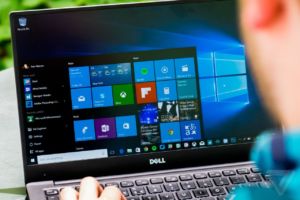
This course will help users become familiar with the many changes that have been made to Windows, including the return of the Start menu and new apps that you can use to complete various tasks.
Who should attend Windows 11?
This course is for a new user who want to learn basic computer skills. This course is also designed for existing students who are new to Windows 10 environment.
Instructor Led Learning
Duration: 1 Day
Registration Open Now!
Video Learning
Duration: 1 Day
Registration Open Now!
What you will learn
-
- Lesson 1 :Basic 11
- Lesson 2 :Working with folders and Risk
- Lesson 3 :File and Folder Management
- Lesson 4 :Working with application
- Lesson 5 :Customizing the start screen and desktop
Basic computer skills
Computers made easy course
FULL COURSE OUTLINE
Join Over 10,000 Students that have studied with MasterGrade IT Now
Become Part of MasterGrade IT to Further Your Career.